Real Estate WhatsApp Chatbot Setup: Step-by-Step Guide
Özet
How to set up a WhatsApp Business API chatbot for your real estate office: customer onboarding, portfolio presentation, and appointment automation step by step.
73% of real estate buyers in Turkey make first contact via WhatsApp. If you are handling these messages manually, every delayed reply is a lost customer. This guide walks you through setting up a WhatsApp chatbot for your real estate office step by step.
Step 1: Open a WhatsApp Business API Account
The individual WhatsApp Business app does not allow chatbot setup — you need the API.
Register on Meta Business Suite (business.facebook.com)
2. Request WhatsApp Business API access 3. Verify your phone number (existing number works) 4. Choose a BSP (Business Solution Provider): Twilio, 360dialog, or Infobip are common in Turkey
Timeline: 2-5 business days (Meta approval)
Step 2: Design the Chatbot Flow
A real estate chatbot needs 4 core flows:
Flow 1 — Welcome: "Hello! I'm the StrategAI Real Estate assistant. How can I help you?" → Buy / Rent / Portfolio / Appointment
Flow 2 — Needs Assessment: - Budget range question - Location preference - Room count - Timeline
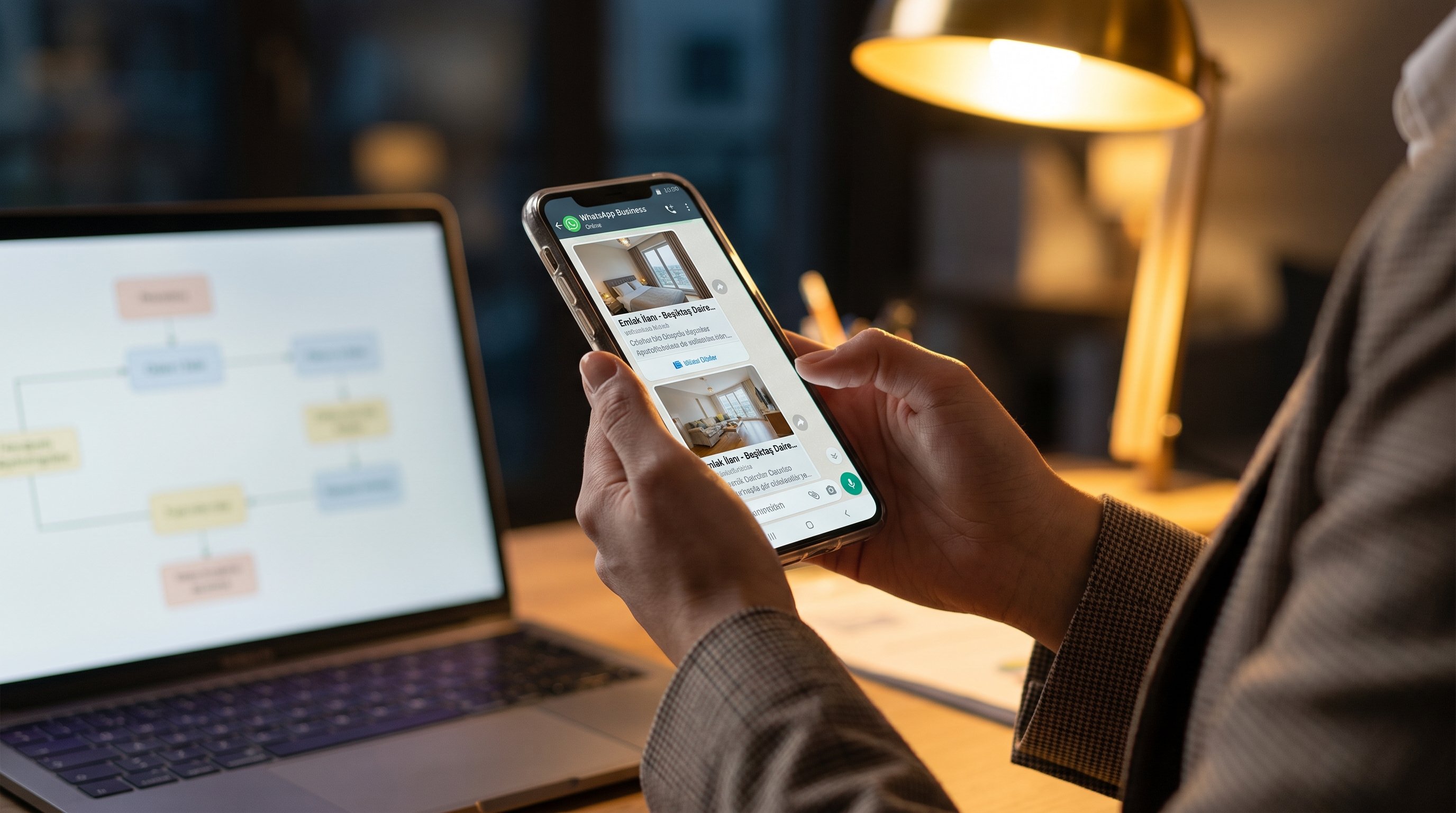
Flow 3 — Portfolio Matching: 3 matching listings sent automatically based on customer profile
Flow 4 — Appointment Suggestion: Available slots proposed via calendar integration
Step 3: Build the Flow with n8n
n8n connects WhatsApp API to your CRM without writing code.
Install n8n (cloud or self-hosted)
2. Add the WhatsApp Business API node 3. Build flow logic with If/Switch nodes 4. Use HTTP Request node for CRM integration 5. Test with a real number simulation
Step 4: CRM Integration
Every WhatsApp conversation must be automatically logged in CRM: - New customer card created - Budget and preferences saved as a note - Lead score assigned - Sales team assignment triggered
Step 5: Test and Optimize
Before going live: - Test 10 different scenarios manually - Test incorrect message inputs - Measure response times (target: under 30 seconds) - Monitor all conversations manually for the first week
Common Mistakes
- Asking too many questions: Users abandon after 3 questions
- Pretending to be human: Saying "I am an assistant" builds trust
- Not connecting to CRM: Chatbot data gets lost
- Skipping Turkish language testing: Test NLP in Turkish specifically
Conclusion
A correctly built WhatsApp chatbot reduces your real estate office's first response time from 4 hours to 30 seconds and stops late-night inquiries from falling through the cracks. StrategAI completes this setup in 2-4 weeks.
İşletmen AI'a hazır mı?
5 dakikalık testle AI olgunluk seviyeni ölç, sana özel yol haritası al.
AI Hazırlık Testine BaşlaReady to start with AI?
Book a free discovery call →Written by
Umut Şahinkaya
Founder of StrategAI. AI automation strategist for Turkey's real estate sector. Specializes in GEO, lead generation AI, and WhatsApp chatbot integrations.
LinkedInRelated Posts
AI in Real Estate 2026: Generative Search and Market Trends
AI and generative search are reshaping real estate in 2026: from lead scoring to AI-search visibility, here are the trends that actually move revenue.
Lead Generation AI Guide: Winning Real Estate Buyers in the ChatGPT Era
Real estate lead scoring, AI-powered welcome chats, and ChatGPT-era prospecting — a step-by-step playbook for agencies that want measurable lift.
Real Estate AI Chatbot: 50% Customer Service Cost Savings Explained
How AI chatbots deliver 24/7 real estate customer service, multilingual support, and 50% cost savings — the NLP technology behind the numbers.